Hundreds of questions
An AI often cuts a long reply short, so twenty questions at a time is a safe size. A large bank therefore comes into DoMcq as several files, each one a set, and the sets are practiced together.
1 Ask for 20 at a time
Converting a long document: add “Convert questions 1 to 20 only.” at the end of the convert prompt, import that file, then ask for 21 to 40 as a new file, and so on.
Generating new questions: leave Questions at 20 and run the prompt again for the next set. “For more, run the prompt again with other topics.”
2 If a reply stops, continue it
A converted document: reply “continue from question N”, where N is the first missing question; the rest comes as a file of its own. Newly written questions: “ask it to continue from where it stopped and finish the JSON.”
3 Import each file as its own set
Paste each reply at domcq.com/import and save it. Each file becomes a set, named by the file. Your sets lists them, each with Practice, Export, Archive and Delete….
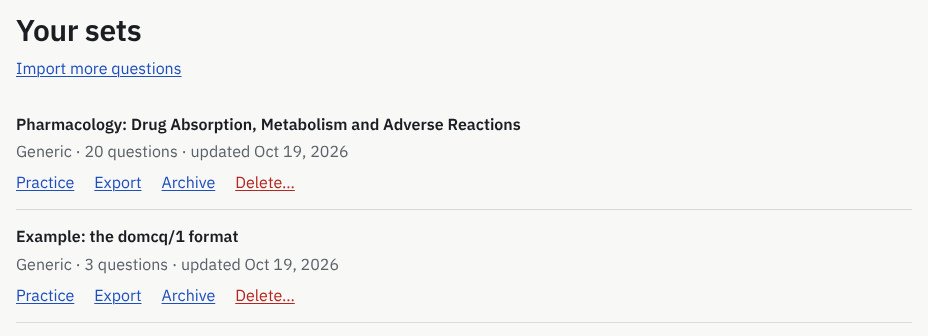
What you will see: Your sets, each set with Practice, Export, Archive and Delete…. 4 Practice several sets at once
On Practice, tick every set you want in the session: “Choose one set, or several from the same module.” Sets of two different modules cannot share a session, because “each module has its own timing and scoring.” A session can draw from up to 50 sets.
Which questions narrows a large pool: All, Incorrect last time, Flagged or Not yet attempted.
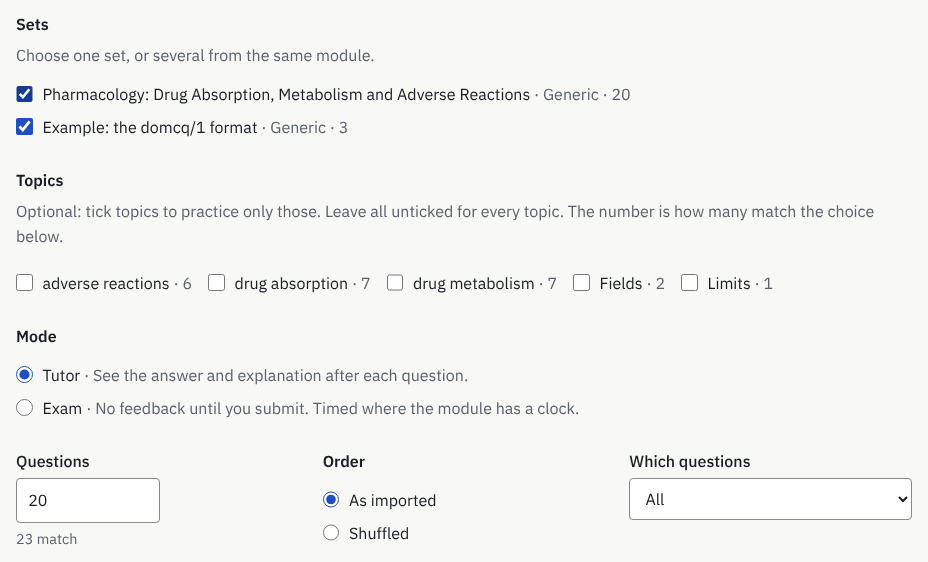
What you will see: Two sets ticked for one session, and how many questions match. 5 Let duplicates be skipped
A question already in your account (the same question with the same options, whatever their order or capitalization) is listed under 3 questions already in your account, each with a message such as “Question 1: matches a question already in your account (same stem and options). It will be skipped unless you choose to import it again.”
Skip these duplicates (recommended) is ticked; untick it to keep copies, except that a copy never goes into the set that already holds the original. The same question twice inside one file is refused instead: your AI removes one copy and returns the file.
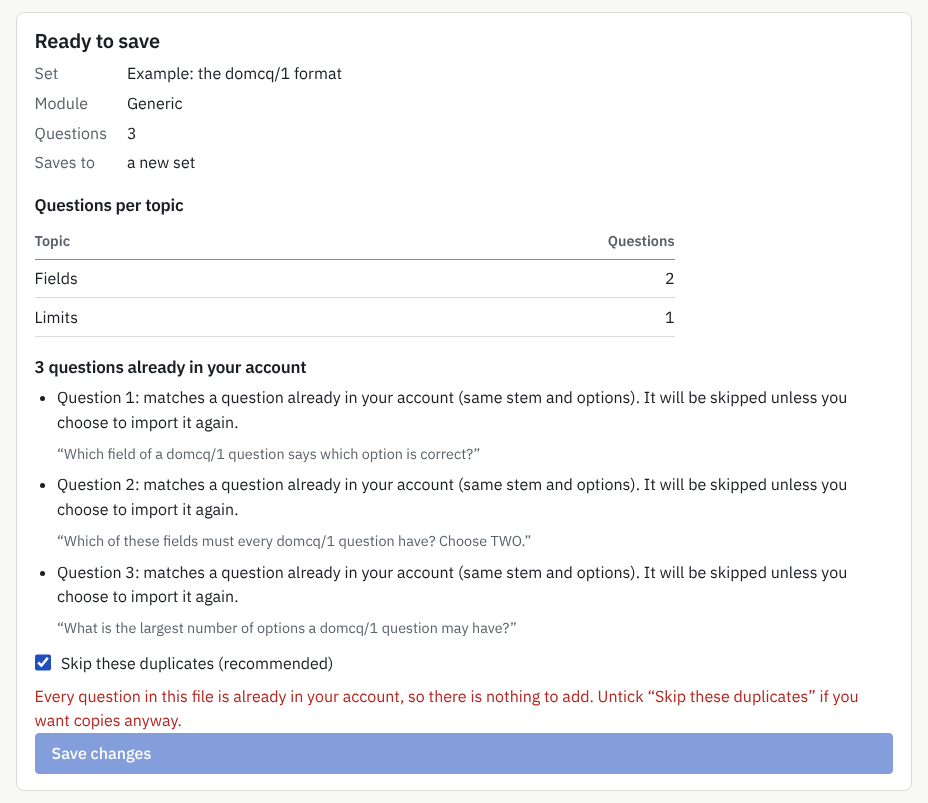
What you will see: 3 questions already in your account, each with its message, and Skip these duplicates (recommended) ticked. 6 Bring an export back in
A set exported from DoMcq comes back to the same questions. Paste the file at Import and the preview says 3 questions from your own export: “These carry the ids DoMcq wrote when you exported them, so they go back to the same questions. Their attempts, bookmarks and notes stay attached; any you changed are updated.”
So you can export a set, edit the file (or have your AI edit it), and import it again without losing its history, as long as every question keeps its
idline as it is.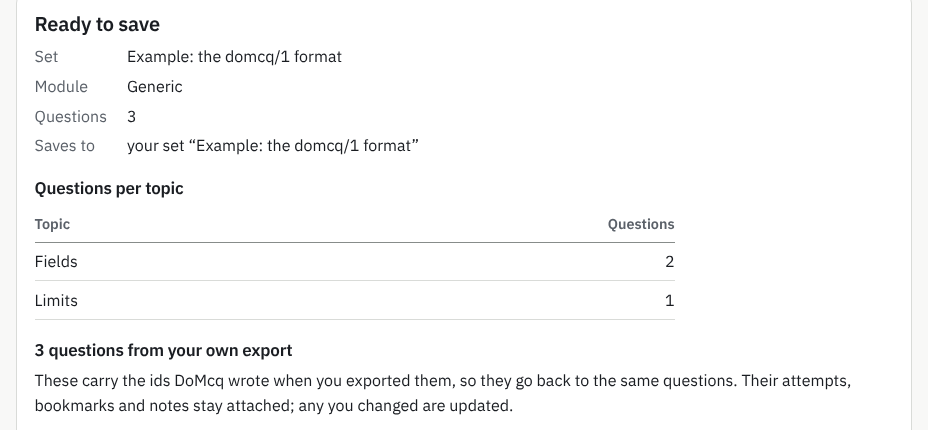
What you will see: 3 questions from your own export and what that means for their history.
Limits
- A set holds up to 500 questions, the most one domcq/1 file can hold, so every set can be exported and imported again. Adding past that is refused: “A set holds up to 500 questions (one domcq/1 file).”
- A file larger than 8 MB is refused: “This file is larger than 8 MB. Split it into smaller sets (up to 500 questions each).”
- A free account holds 100 questions across all its sets; an import that would go past that is refused whole. The pass that covers the file lifts the limit for it: the Exam Pass for its exam, the Any Exam Pass for any other subject, or All-Access (Pricing).
- An account can press Save 20 times an hour; the page says so if you reach it, and keeps your pasted text: “You have saved 20 files in the last hour”.
- DoMcq keeps a copy of every file you save, and “an account can keep 200 MB” of them. If you reach that, download your data, then delete sets you no longer need: deleting a set removes the files it came from.
More guides
- How to turn a PDF or Word file of multiple-choice questions into a timed practice test
- Export, back up and delete your questions
DoMcq runs no AI. It never writes, fixes or explains questions; your AI does the writing, DoMcq makes the questions count.